
Family Vlog Privacy Checklist: 10 Things to Review Before Posting Your Kids Online
A practical checklist for parents who vlog: ten things to review before posting videos of your kids, plus habits for consent, location and comments.
The first family vlog is usually an accident. You catch a wobbly first-steps clip, your partner laughs in the background, and before bedtime it's online. Nobody planned for a six-year-old's bedroom, school timetable and worst meltdown to become a searchable record. It happens one upload at a time.
A checklist helps. Not because filming your family is reckless, but because small decisions get skipped when you're excited to share something. Ten minutes of review before you hit publish can spare you a hard conversation with a teenager in ten years.
Privacy is not the same as secrecy. You can still celebrate a lost tooth, a funny dance, a messy baking session or a big game. The difference is that you decide what the internet gets to keep, instead of letting an algorithm or an old friend's share button decide for you. Kids grow up. Context changes. A clip that feels adorable today can feel like a breach of trust tomorrow.
Your child's childhood is not content. It is a life they will one day inherit, search for, and have to explain.
Decide What's Off-Limits Before You Need To
Sit down with your partner, and with older kids, and agree on a short list of non-negotiables. This is not about creating a paranoid household. It is about making the hard calls once, while everyone is calm, instead of in the moment when a video is already edited and the caption is ready.
Most families start with a few obvious categories: bath time, potty training, meltdowns, injuries, medical appointments, therapy sessions, school names, uniforms, house numbers, license plates and anything involving another child whose parents have not said yes. You might also add private rituals, like bedtime prayers, arguments, discipline moments, or a child's bedroom. The exact list matters less than the fact that you have one.
For older children, give them real veto power. Ask, "Is it okay if I post this?" and mean it. If they say no, the answer is no. Do not bargain, guilt-trip, or post it anyway because it is "just a small clip." A child who learns that their no is respected at eight is more likely to trust you at fifteen. For younger children, you are the steward of their privacy, but you can still narrate your choices: "I'm keeping this one for us because it has your school shirt in it."
The 10-Point Family Vlog Privacy Checklist
Run through this list before every upload. It sounds like a lot, but after a few weeks it becomes automatic. The goal is not to post nothing; it is to post on purpose.
- Know the platform's real privacy settings. Private does not always mean private. Check whether your account is public, friends-only, or followers-only. Look at who can share, stitch, duet, download, or comment. Remember that screenshots and screen recordings exist. Treat every post as if it could travel further than you intended.
- Strip location and metadata clues. Turn off geotags. Avoid filming street signs, house numbers, school crests, team banners, but also beware of background details: a package with your address, a calendar with appointments, a computer screen with an email inbox, or a mailbox with your street name.
- Keep identifiers out of the frame. Full names, school names, teacher names, class schedules, sports teams, license plates, uniforms, name tags and regular routes can all help a stranger locate your child. If you want to share a milestone, crop tighter or choose a different angle.
- Decide your face-and-name policy. Some families show faces but use nicknames. Some show the back of a head. Some blur faces or use stickers. Some keep kids off camera entirely. There is no single right answer, but there should be a consistent family answer. Write it down so you and your partner do not improvise differently.
- Never post vulnerable moments. Meltdowns, potty accidents, injuries, tears, medical details, sensory overload, therapy breakthroughs, punishment and private conversations are not fair content. Even a "funny" tantrum can become a humiliation when a classmate finds it years later. Save those clips for the family archive.
- Get ongoing consent, not one-time consent. A child who agreed to a video last summer may not agree today. Ask again. Watch for hesitation, people-pleasing, or a forced smile. If they are too young to understand, ask yourself whether they would thank you for this at sixteen. If the answer is no, do not post it.
- Ask other parents before filming their kids. Your child's friend did not consent to being online. Neither did their family. A quick text, "Can I share this clip of the kids at the park? It shows all three of them," is basic respect. If the answer is no, find a different clip or crop them out.
- Check the background for private information. Look behind your child, not just at them. Mail, bills, prescriptions, school forms, diaries, whiteboards, calendars, computer tabs, photos on the fridge, and even the layout of your home can leak more than you think. Zoom in and scan the frame before you hit publish.
- Imagine the future audience. Future classmates. Future teachers. Future coaches. Future employers. Future partners. Future bullies. Future scammers. Search your child's name in an incognito window and see what comes up. If the first page is full of embarrassing or identifying content, that is a signal to change course.
- Have a takedown and cleanup plan. Know how to delete a post, remove it from search results, and archive old content. Save links and screenshots if you need to report a repost. Teach older kids not to share friends' content without permission. If you regret an upload, act quickly and calmly. You are allowed to change your mind.
How to Talk to Kids About Posting
The conversation should match the child's age. With a toddler, keep it simple: "Is it okay if I show Grandma this video?" With a school-age child, explain that the internet is like a giant room where anyone might walk in. "Once I post it, I cannot fully take it back. Do you want me to share it?" With a teenager, start from respect: "This is your face and your story. You get the final say."
Do not wait for a crisis to set rules. Bring it up at dinner or during a quiet drive. Ask what they like and dislike about being online. Ask if anything has ever been posted that made them uncomfortable. If they say yes, listen without defending yourself first. Then fix it together.
Consent is not a one-time signature. It is a habit of checking in, paying attention, and being willing to lose the perfect post to keep the trust.
A Quarterly Privacy Audit
Even careful families drift. A quarterly audit takes twenty minutes and can catch problems before they grow. Set a reminder for the first weekend of every season.
- Search each child's name and nicknames in a private browser window.
- Review your public posts from the last three months. Delete anything that now feels too revealing.
- Check follower lists for unknown accounts and remove anyone you do not recognize.
- Update passwords and turn on two-factor authentication for every account that posts family content.
- Check old videos for school logos, house numbers, car plates and other details you may have missed.
- Ask your kids, "Is there anything I've posted that you want taken down?"
- Review your family rules. What has changed since the last audit?
You do not need to delete every family photo or stop sharing joy. You need a filter that protects your kids while they are too young to protect themselves. The best family vlog is not the one with the most views. It is the one your child can look back on without feeling exposed, embarrassed or betrayed.
Ten minutes before you post is a small price for that kind of trust. Start with one item on this checklist today. Then add another. The goal is not perfection. It is a childhood that belongs to your child first, and an audience second.
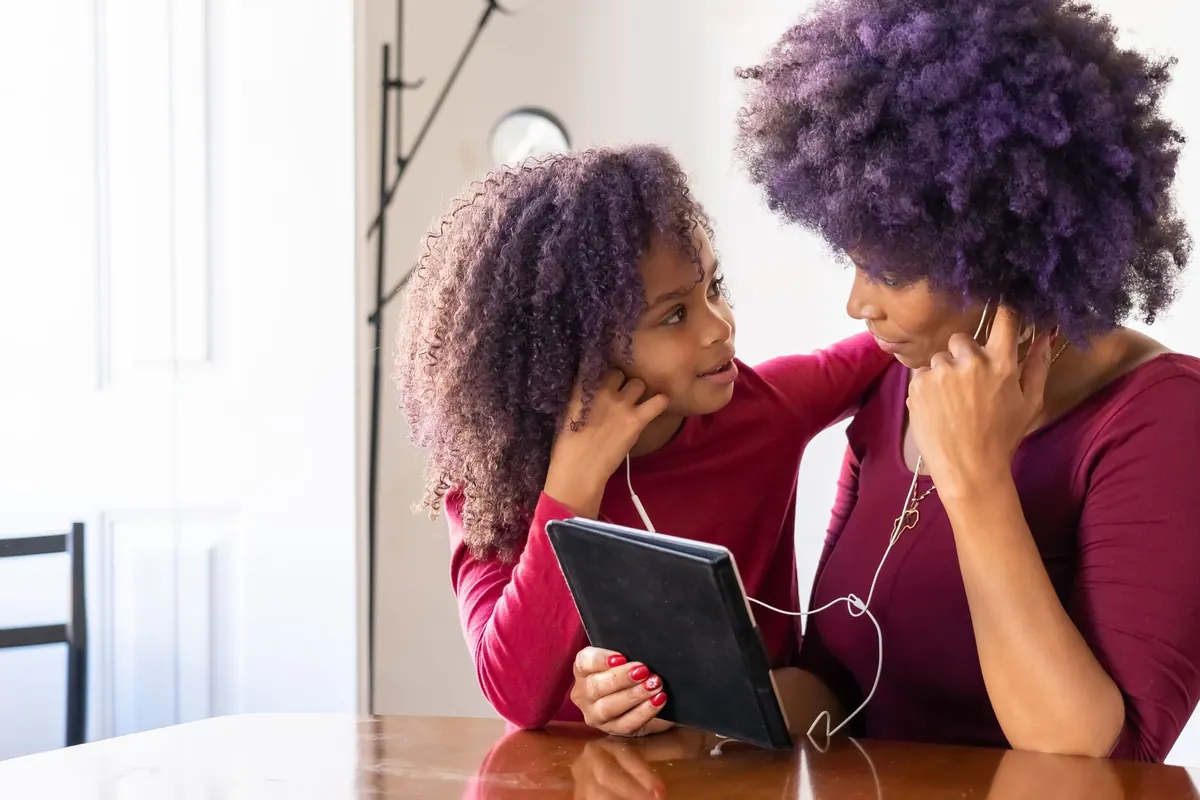
Photo: Kampus Production / Pexels